Your smartwatch is becoming a much more powerful health companion. Apple has now extended its Hypertension Notification feature to India and several other markets. This is a major update because high blood pressure is often called a silent killer. Most people don’t even know they have it until a serious medical issue appears. Now, your Apple Watch can quietly monitor for warning signs and tap your wrist if something looks wrong. It’s a small alert that could make a big difference.
Apple Watch Hypertension Feature
More Read

Apple states that hypertension is the most common modifiable risk factor for heart attack, stroke, and kidney disease. The scary part? It is said to affect approximately 1.3 billion adults globally, yet it is widely misdiagnosed as it shows no symptoms.
And that is the issue, you are okay, but your blood pressure is not. Apple is making attempts to forestall this before it gets worse.
What Do You Need?
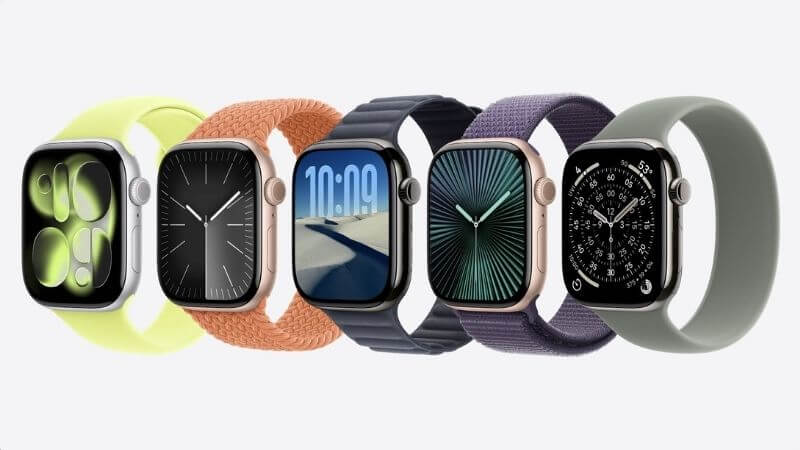
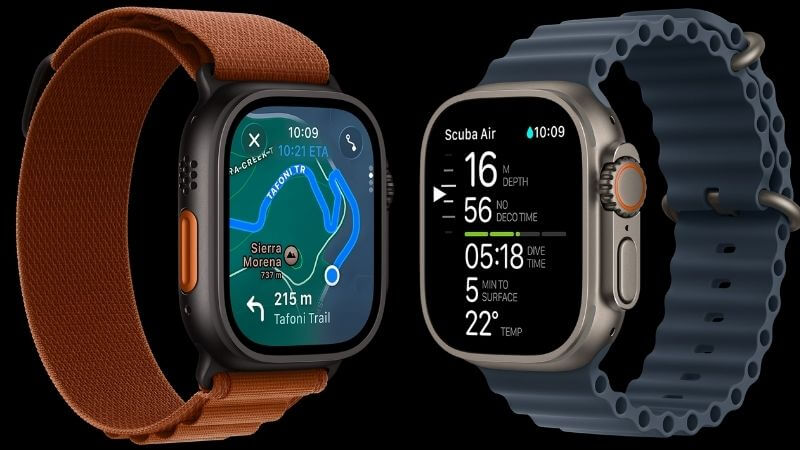
This feature is found on the Apple Watch Series 9 or later and Apple Watch Ultra 2 or later with the latest version of watchOS 26. A smartphone that is an iPhone 11 or above and is operating on the newest version of iOS 26 is also necessary.
Hardware is not everything. According to Apple, users have to make sure that the Wrist Detection feature is turned on. In addition, they should be aged 22 years and above, not pregnant, and not diagnosed with hypertension.
This is not the feature to use, then, in case you already know you have high blood pressure, but rather to detect new cases.
Steps To Set Up Hypertension In Apple Watch
The feature, which was initially launched with watchOS 26 in September, requires a quick setup. Here’s how to use it:
- On the iPhone, open the Health app and press the profile icon in the upper-right part of the screen.
- Go to the Features tab and tap Health Checklist, and tap on Hypertension Notifications.
- Establish your age and whether you have been diagnosed with high blood pressure.
- Now, tap Continue.
- Pick Next and go through the prompts on the screen to find out how Hypertension Notifications work.
- Tap Done. The feature is now configured on your Apple Watch.
That’s it. The setup can take about five minutes, and then it can be used by your watch.
How Does It Actually Work?
This is where the interest comes in. It relies on the information from the optical sensor of the Apple Watch to examine the reaction of the blood vessels of a user to the beats of the heart. The green light on the back of your watch? It is not just counting steps.
The Cupertino-based technology giant states that its algorithm is passive and works in the background while analyzing the information for 30 days.
According to the tech giant, the assessment is done within a span of 30 days since the Hypertension Notifications feature was installed. You don’t do anything special. Nothing to do but wear your watch.
Why This Matters?
Apple claims that such notifications can give users useful information about their health, and can assist them in making potentially life-saving behavioural changes or in initiating treatment to mitigate the threat of severe long-term health problems.
- Consider it as a warning mechanism. Get it on time, and address it before it becomes a crisis.
- The Statistics of High Blood Pressure.
- High blood pressure is common in 1.3 billion people all over the world.
- Approximately 220 million Indians are impacted.
- Almost half of them do not even know that they have it.
- It causes more than 10 million deaths annually all over the world.
- The prevention of stroke can be reduced by 35–40 per cent.
What Should You Do Now?
Got a compatible watch? Here’s your move:
Install all the current software. Follow the steps above to set up the feature. Put on your watch frequently – it requires regular data. Create an appointment with a doctor in case of an alert. And do not miss the follow-up with blood pressure monitoring.
Keep in mind that your watch is not a doctor. It is simply providing you with a heads-up in order to actually see one.
Apple’s Hypertension Notification feature is more than just another smartwatch option. It’s a timely health tool designed to catch silent warning signs before they turn into emergencies. With a huge population unaware of their rising blood pressure levels, features like this can guide users to early diagnosis and timely medical support. Your Apple Watch won’t replace your doctor, but it might help you visit one at the right time — and that could be life-changing.
Follow Us: Facebook | X | Instagram | YouTube | Pinterest