



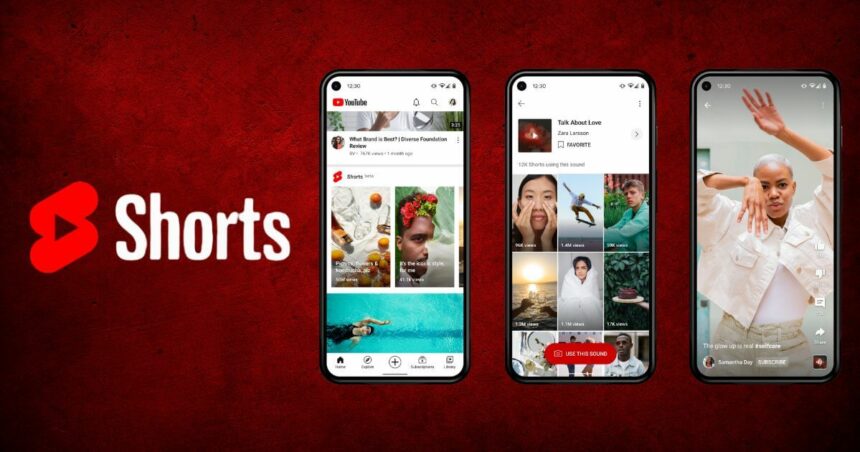
YouTube unveiled its new generative tool for Shorts during the YouTube Live event on Tuesday. This major announcement will significantly impact how creators make short videos on the platform.
The online streaming platform is bringing in the custom version of Google’s text-to-video generated model, Veo 3, to Shorts. Along with this, the platform is also introducing a new remixing tool, an “Edit with AI” feature, and more.
Meet Veo 3 Fast
More Read

As mentioned, Veo 3 Fast is the custom version of Veo 3, which generates output with lower latency at 480P, making it easy to create video clips, according to YouTube. Now users can do so with sound for the first time.
This is huge news for creators. Before this, making videos with matching audio was complicated and time-consuming. Now you can create both a video and a song together in one simple step.
Where Can You Use These New Tools?
The social media platform will be rolling out this update to the United States, the United Kingdom, Canada, Australia, and New Zealand.
Later on, YouTube plans to expand its functionality to more regions. The company wants to test everything properly before making these tools available worldwide.
Cool New Features That Will Transform Your Content
As mentioned earlier, the platform is also building new Veo capabilities for Shorts, including the ability to apply motion from a video to an image.
This is amazing as now users can animate a still image by making the person in it do a dance from a video. This is possible through technology that captures and transfers movements from one to another, according to the company.
Style Your Videos Like Never Before
Besides this, the creator can also use Veo to apply different styles to their videos, such as pop art or origami.
Want your video to look like a comic book? Do you prefer the origami paper effect? Easy. These dial options give your content a unique look that stands out.
Add Anything You Can Think Of
In addition to this, creators now have the freedom to add objects like characters or props with text descriptions.
Just type what you want — add a flying superhero, put a cute dog in a corner — and the system generates the video. It is like having a magic wand for video creation.
Turn Any Speech Into A Hit Song
YouTube’s Director of Product, Shorts and Generative Creation, Dina Berrada, wrote in a blog post,
“As the world’s largest creative playground, YouTube is where trends are born and where you can draw inspiration from. Imagine hearing a line of dialogue that sparks an idea — a funny phrase, a memorable quote, or a one-of-a-kind sound — and you want to remix it into a new sound. With our new speech-to-song remixing tool, you’ll be able to do just that.”
Lyria 2: How Does This Music Magic Work?

The streaming platform notes that the feature uses Google’s music model, Lyria 2, to create the soundtrack. In this, creators will be able to add their own vibe to the song, like “chill,” “danceable,” or “fun.”
Imagine hearing someone say something funny and thinking, “This would make a great song!” Now you can actually make it happen. The tool takes spoken words and turns them into music with your chosen mood.
| Feature | Current YouTube Shorts | New Update With AI Tools |
|---|---|---|
| Video Creation Speed | Manual, Time-Consuming | Faster with AI Assistance |
| Text-to-Video Support | Not Available | Veo 3 Fast at 480P |
| Audio Integration | Limited | Auto Video + Music Together |
| Motion Application | Basic Edits Only | Apply Motion from Video to Image |
| Style Options | Filters & Presets | Pop Art, Origami, Comic Book |
| Object Insertion | Manual Editing | AI Adds Objects via Text Prompts |
| Speech-to-Song Conversion | Not Available | Lyria 2 Model Converts Speech to Music |
| Availability | Global Shorts Features | US, UK, Canada, Australia, NZ (expanding soon) |
YouTube is making creation accessible to everyone. These tools remove the technical barriers that stopped many people from creating great content.
The future of content creation is here, and it’s simpler than ever. Get ready for some amazing Shorts coming your way!
Follow Us: Facebook | X | Instagram | YouTube | Pinterest