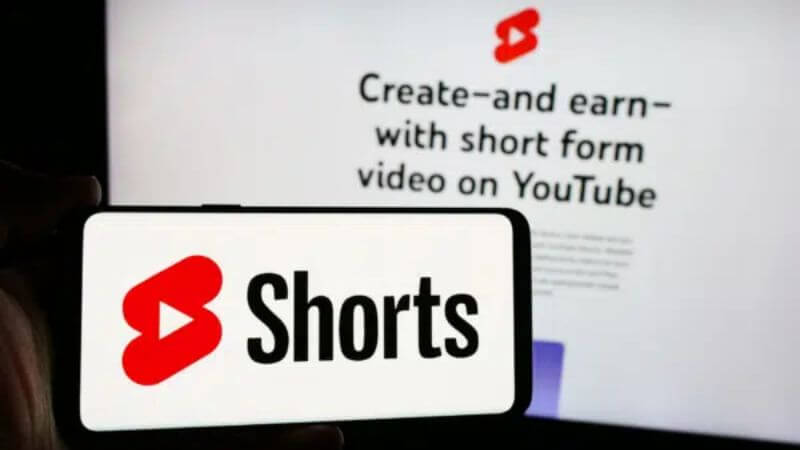
YouTube is finally addressing one of the biggest complaints users have had in recent years — endless scrolling. With the rise of short-form content, many users found themselves spending far more time on the app than intended. Now, the platform has rolled out a new feature that gives users more control, allowing them to effectively disable YouTube Shorts on the mobile app.
This update introduces a simple but powerful option. Users can now set their Shorts viewing limit to zero minutes, which changes how the app behaves. Instead of just reminding you to stop, it actually stops the scrolling experience altogether. It is a small tweak on paper, but in real use, it makes a big difference.
What Is The New YouTube Shorts Control Feature
More Read

YouTube had already introduced a Shorts timer earlier. Users could limit their viewing time anywhere between 15 minutes and two hours. Once that limit was reached, the app would show a reminder asking them to take a break. Now, with the latest update, YouTube has added a “0 minutes” option. This completely changes the purpose of the feature. Instead of acting as a reminder tool, it becomes a control mechanism.
Once you set the timer to zero, the Shorts feed is instantly restricted. You will see a message saying you have reached your Shorts limit, and the app stops showing endless short videos on your home screen. This is the first time YouTube has offered a built-in way to effectively turn off Shorts without using third-party tricks.
How To Turn Off YouTube Shorts
The process to enable this feature is simple and does not take more than a minute. Once activated, the experience changes immediately.
- Open the YouTube app on your phone
- Go to Settings
- Tap on Time Management
- Enable the Shorts feed limit option
- Set the timer to 0 minutes
Once this is done, Shorts will no longer appear in your main feed, helping you avoid unnecessary scrolling.
What Actually Changes After Disabling Shorts
It is important to understand that this feature does not completely remove Shorts from YouTube. Instead, it limits how they are shown to you.
- Shorts disappear from the home feed
- Infinite scrolling gets blocked instantly
- A limit message appears when trying to access the Shorts feed
- Shorts can still show up in the Subscriptions section
- They may appear in search results
- Individual Shorts can still be opened manually
This means YouTube is not removing Shorts entirely. It is simply reducing passive consumption, which is where most users tend to lose track of time.
Why This Feature Matters

Short-form videos have become extremely popular, but they also come with a downside. The endless scroll design is built to keep users engaged for long periods, often without them realising how much time has passed.
With this update, YouTube is taking a step towards responsible usage. It gives users a practical way to control their habits without completely restricting access to content.
- Helps reduce screen time
- Improves focus and productivity
- Cuts down on mindless scrolling
- Gives users more control over content consumption
For students, professionals, or anyone trying to limit distractions, this feature can be genuinely useful.
Part Of A Bigger Shift
This move is also part of a larger trend across tech platforms. Companies are now focusing more on digital well-being and user control. Features like screen time tracking, app limits, and focus modes are becoming common.
By adding a zero-minute option, YouTube is going beyond just reminders. It is giving users the ability to reshape their experience on the platform. Instead of forcing engagement, it is allowing users to decide how they want to interact with content.
Conclusion
YouTube’s new Shorts control feature is a small update with a big impact. By introducing a zero-minute limit, the platform is giving users a simple way to take back control of their time.
It does not completely remove Shorts, but it removes the biggest problem — endless scrolling. For anyone trying to stay focused or reduce screen time, this feature is definitely worth using.
In a world where attention is constantly being pulled in different directions, even a small change like this can make a noticeable difference in daily habits.
Follow Us: Facebook | X | Instagram | YouTube | Pinterest