By using this site, you agree to the Privacy Policy and Terms of Use.
Accept
TechotalesTechotalesTechotales
  • HOME
  • SMARTPHONES
  • BUSINESS
  • AI
  • AUTOMOBILE
  • TECHNOLOGY
  • TELECOM
  • WEARABLES
  • GADGET
  • TABLETS
  • FINANCE
  • APPS
  • TECH NEWS
  • GAMING
  • APPLIANCES
  • AUDIO
  • SOCIAL
  • LAPTOPS
  • CRYPTO
  • ABOUT US
  • DISCLAIMER
  • PRIVACY POLICY
  • CONTACT
  • TERMS OF USE
Copyright © Techotales | All Rights Reserved
Reading: How To Identify AI-Generated Images And Videos Using Google’s Gemini App
Notification Show More
TechotalesTechotales
  • HOME
  • SMARTPHONES
  • BUSINESS
  • AI
  • AUTOMOBILE
  • TECHNOLOGY
  • TELECOM
  • WEARABLES
  • GADGET
  • TABLETS
  • FINANCE
  • APPS
  • TECH NEWS
  • GAMING
  • APPLIANCES
  • AUDIO
  • SOCIAL
  • LAPTOPS
  • CRYPTO
Follow US
  • ABOUT US
  • DISCLAIMER
  • PRIVACY POLICY
  • CONTACT
  • TERMS OF USE
Copyright © Techotales | All Rights Reserved.
Techotales > Blog > Technology > How To Identify AI-Generated Images And Videos Using Google’s Gemini App
TechnologyTech News

How To Identify AI-Generated Images And Videos Using Google’s Gemini App

Google’s SynthID watermark technology helps users identify AI-generated images and videos inside the Gemini app.

Prateesha Singh
Last updated: December 29, 2025 8:20 PM
Prateesha Singh - Content Writer
Share
SynthID Google Gemini AI Identify Images
SHARE

You have probably come across a fake video or an edited image recently and paused for a second, wondering if it was real. Maybe it was a celebrity saying something strange or a viral clip that just felt off. The truth is, AI-generated content is everywhere now, and most people can’t tell the difference anymore. Deepfakes, edited photos, and entirely fake videos are spreading faster than ever. Google recognises this growing problem and has built a tool anyone can use. Through its Gemini app, Google now lets you check whether an image or video was created using its AI, thanks to a technology called SynthID. Here’s how it works and why it matters.

Contents
  • Why Do We Need This?
  • What Is SynthID?
  • How To Verify Content On The Gemini App?
    • Get The Gemini App
    • Upload Your File
    • Ask Your Question
    • Now Check Your Answer
  • How Does The Watermark Actually Work?
  • The Limits You Should Know
  • Conclusion

Why Do We Need This?

Google Gemini AI Image Editing Tool
Google Blog

More Read

Samsung Galaxy G Fold
Samsung Galaxy G Fold Is Coming: A Trifold Revolution Is Knocking
With The Apple iPhone 16e Launched, These iPhone Models Are Discontinued In India – Check Out!
Samsung Galaxy Unpacked 2025: Z Fold 7, Z Flip 7, Z Flip 7 FE, And Watch 8 Series Launched – Price, Specs, And Features Inside
Google Gemini Gets Powerful AI Image Editing Tool With Text Commands
How To Change Default Apps On iPhone: A Step-By-Step Guide To Replace Safari To Chrome, Mail To Gmail, And More

AI can now create videos and images that look completely real. Someone’s face appears in a video doing something they never did. Photos show events that never happened. The internet is full of this content, and it’s getting harder to know what’s genuine.

This is not just annoying; it causes real problems. People believe fake news. Innocent people get hurt by doctored videos. Companies lose money to fraud. We need ways to check what’s real, and fast.

What Is SynthID?
SynthID
Google Blog

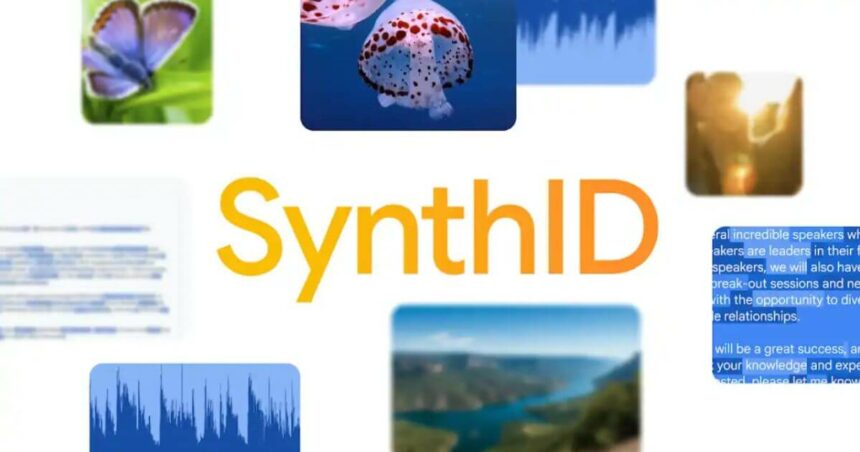
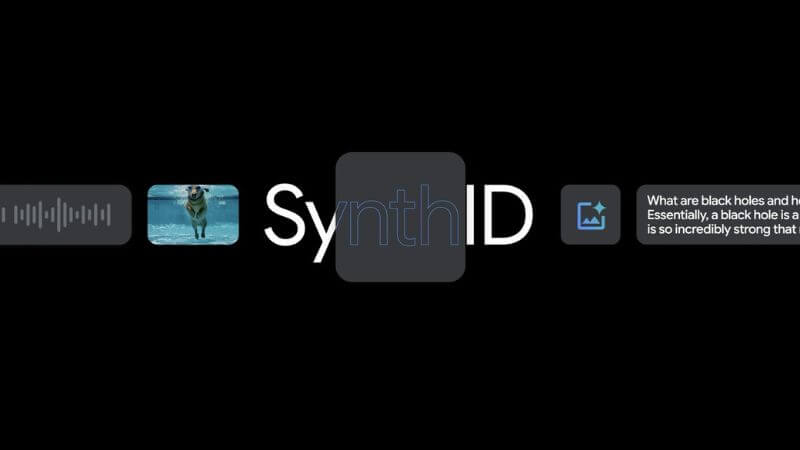
SynthID is Google’s AI watermarking technology. When Google AI creates an image or video, it plants invisible marks inside the content. You can’t see these marks with your eyes, but they can be detected using Google’s verification tools. Think of it as a secret signature baked into the file.

Here’s the clever part. These watermarks stick around, even when someone edits the content. Crop the image? The watermark stays. Add filters? It’s still there. Compress the video? The watermark survives. This durability makes SynthID useful in real-world situations, not just labs.

Google says it has watermarked over 20 billion pieces of AI-generated content since launching the technology in 2023. That’s a massive amount of synthetic content already floating around.

How To Verify Content On The Gemini App?
Google IO 2025 Highlights
Gemini App

Get The Gemini App

First, download and open the Gemini app on your phone. Make sure it is updated to the latest version. The verification feature works in all languages and countries where Gemini is available.

Upload Your File

Tap to upload the image or video you want to check. For videos, keep the file under 100MB and shorter than 90 seconds. The upload process works like sending a photo in a messaging app.

Ask Your Question

Just type or say, “Was this made with Google AI?” or “Is this AI-generated?” You don’t need special keywords. Gemini understands normal questions.

Now Check Your Answer

Gemini scans the content for the SynthID watermark. For videos, it checks both the visuals and the audio. You will receive clear information in response.

How Does The Watermark Actually Work?

The watermark is embedded during creation, not added later. It’s woven into the pixels of images and the frames of videos. For videos, the watermark exists in both what you see and what you hear.

These marks aren’t fragile. They are designed to survive everyday actions like sharing, downloading, editing, or reposting across platforms. The watermark adapts as the content changes, which helps keep it detectable even after modifications.

The Limits You Should Know

This tool only works for content made using Google’s AI. If someone used another company’s AI generator, this system won’t detect it. It also can’t verify content created before SynthID launched in 2023.

The 100MB and 90-second limits mean longer videos need trimming or compression. And if no watermark is found, the tool can only say that it didn’t detect Google AI usage. It can’t confirm whether the content is real or made using a different AI.

Conclusion

This tool is genuinely useful, even if it isn’t perfect. I like that Google made it free and easy to use. Anyone can check suspicious content without technical skills. The fact that the watermark survives editing makes it practical for everyday use.

That said, the limitations stand out. Since it only works with Google-generated content, there’s still a large gap when it comes to material created using other AI tools. I honestly wish more major AI companies would adopt similar systems, so verification could be more comprehensive.

Still, this is a solid first step. We now live in a world where seeing is no longer believing, and tools like this help bring back some accountability. It’s worth bookmarking and using regularly, especially before sharing content that feels questionable.

Follow Us: Facebook | X | Instagram | YouTube | Pinterest

Reliance’s JioHotstar Unveils AI Features: Riya, Voice Print, JioLenZ, And MaxView 3.0 Revolutionize Streaming
Samsung And Mahindra Launch Digital Car Key Feature For Galaxy Users In India
WWDC24: Apple Unveils New Intelligence, Siri Enhancements, Call Recording, And Other Updates
Google Gemini AI Daily Limits Of Prompts Revealed: Free, Pro, And Ultra Plans Explained
What Is Reliance JioCoin Cryptocurrency? Steps To Earn Free JioCoins

Sign Up For Daily Newsletter

Be keep up! Get the latest breaking news delivered straight to your inbox.
[mc4wp_form]
By signing up, you agree to our Terms of Use and acknowledge the data practices in our Privacy Policy. You may unsubscribe at any time.
Share This Article
Facebook Whatsapp Whatsapp Reddit Email
What do you think?
Happy0
Love0
Sad0
Surprise0
Angry0
ByPrateesha Singh
Content Writer
Follow:
I’m a passionate writer and a graduate with a natural talent for storytelling. I find joy in both reading and writing. My commitment to social work enriches my literary journey. My journey is driven by a desire to make a difference through words and action.
Previous Article Google Photos 2025 Recap To AI Highlight Video Google Photos 2025 Recap: Steps To Turn Your Photos Into AI Highlight Videos

Stay Connected

21.5kLike
331Follow
789Pin
160Follow
- Advertisement -
banner banner
Create an Amazing Newspaper
Discover thousands of options, easy to customize layouts, one-click to import demo and much more.
Learn More

Latest News

Google Photos 2025 Recap To AI Highlight Video
Google Photos 2025 Recap: Steps To Turn Your Photos Into AI Highlight Videos
Tech News Technology
CNAP TRAI Caller Name Display
Jio, Airtel, Vi, And BSNL Roll Out CNAP Feature To Stop Scam And Silent Calls In India
Telecom
Google Gemini AI Plans Compared
Google AI Pro And Google One Annual Plan Gets 50 Percent Discount: Here’s What You Pay
Artificial Intelligence Tech News
ChatGPT App Integrations Guide
OpenAI Launches ChatGPT App Directory: Connect Canva, Adobe, And More Inside Chats
Apps Tech News
TechotalesTechotales
Follow US
Copyright © Techotales | All Rights Reserved.
  • ABOUT US
  • DISCLAIMER
  • PRIVACY POLICY
  • CONTACT
  • TERMS OF USE
Popup Newsletter Image Techotales
Join Us!
Subscribe to our newsletter and never miss out the details on latest launches, tech news, gadgets etc...
[mc4wp_form]
We do not spam, you can unsubscribe at any time.